Your Home Page has 2 main areas that you will use regularly and several that youse one in a while. a 3rd area helps you better understand your messages.
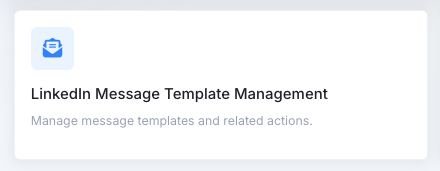
1. LinkedIn Message Template Management
This button leads to the page where you ceeate and manage your LinkedIn messages. There are categories for your messsages to keep you organized.
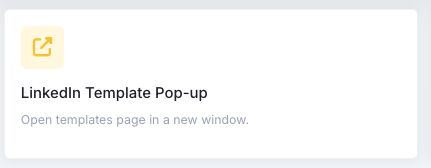
2. LinkedIn Message Pop-up
This buttom opens tye mesages in a handy opoip-up wiondow to the right. It is dfrom here that you will actually USE your messages. You can add and edit messages directly from the pop-up menu.
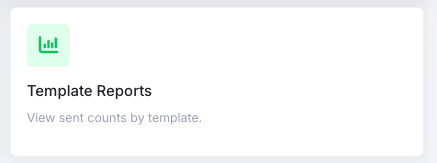
3. Template Reports
You can see and print out a report about your messages to you can see all of them in one place at one time. Thos will help you standardize your look and feel for example.
SECOND ROW
The second row shows statistics tat you will find more helpful later on.
Active Templates - Hw many temppates (in total) you have in your Messsage Helper system.
Favorites - Message Helper lets you "favorite" the messsages youy liie the most. You can see how many there are here.
Copies / Sent - How many message (in total) you have sent from the Message Helper system.
THIRD ROW
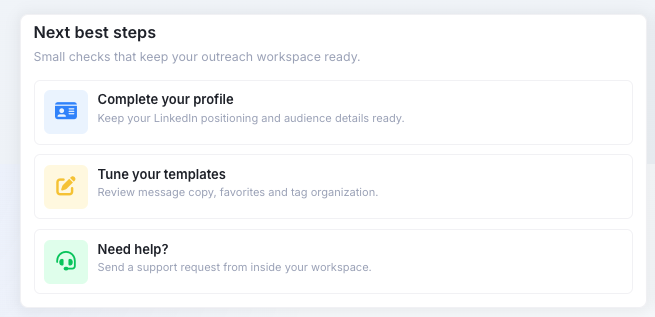
The third row shows two sectiosn that you should find very helpful.
Next Best Steps
Complete Your Profile - Message Helper has a profile with information about you. Most of it is the basics that you expect - Name, LinkedIn Profile, Mobile Phone, Company Name, Job Title, Locaton, referred by. It has 3 sections to share 1) What I am using Message Helper for, 2) My Target Audience and 3) Tools I am using. These will help us tailor Message Helper to your needs. You can also upload/change the image that shows onn your Message Helper pages.
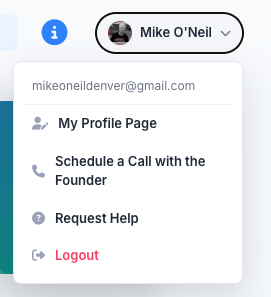
UPPER RIGHT MENU
When you move your pointer to the upper right over your name, you will see a menu appear.
Here you can access your profile and enter more data. You can also schedukle a Zoom call with the founder or submit a request for help using a form.
Welcome back, User
Start by creating your LinkedIn messages using the LinkedIn Message Template Management section below. You will have categories to put them in.